PART I – DOWNLOAD THE PDFS
This article demonstrates how to pull the Full Papers down to PDF format for a conference program and then run a script to rename the files according to ASME Paper Numbers.
Open up your conference in OpenWater and make sure you are in the Full Papers Round

Go to Submissions > Reports

Select Full Paper Bulk Download

Tab over to Conditions and edit how many full papers to download from the past number of days. Delete the condition to just pull all Completed Full Papers.

Now tab over to Download Files and select the following options exactly as outlined in this screenshot.

If you do not already have the OpenWater Bulk Download Tool installed, please download and install it from here: https://bulkdownloader.herokuapp.com/download/win32
Click Download with OpenWater

Proceed through the prompts to create a folder on your machine and save the PDF files there.

The folder structure should look like the following:
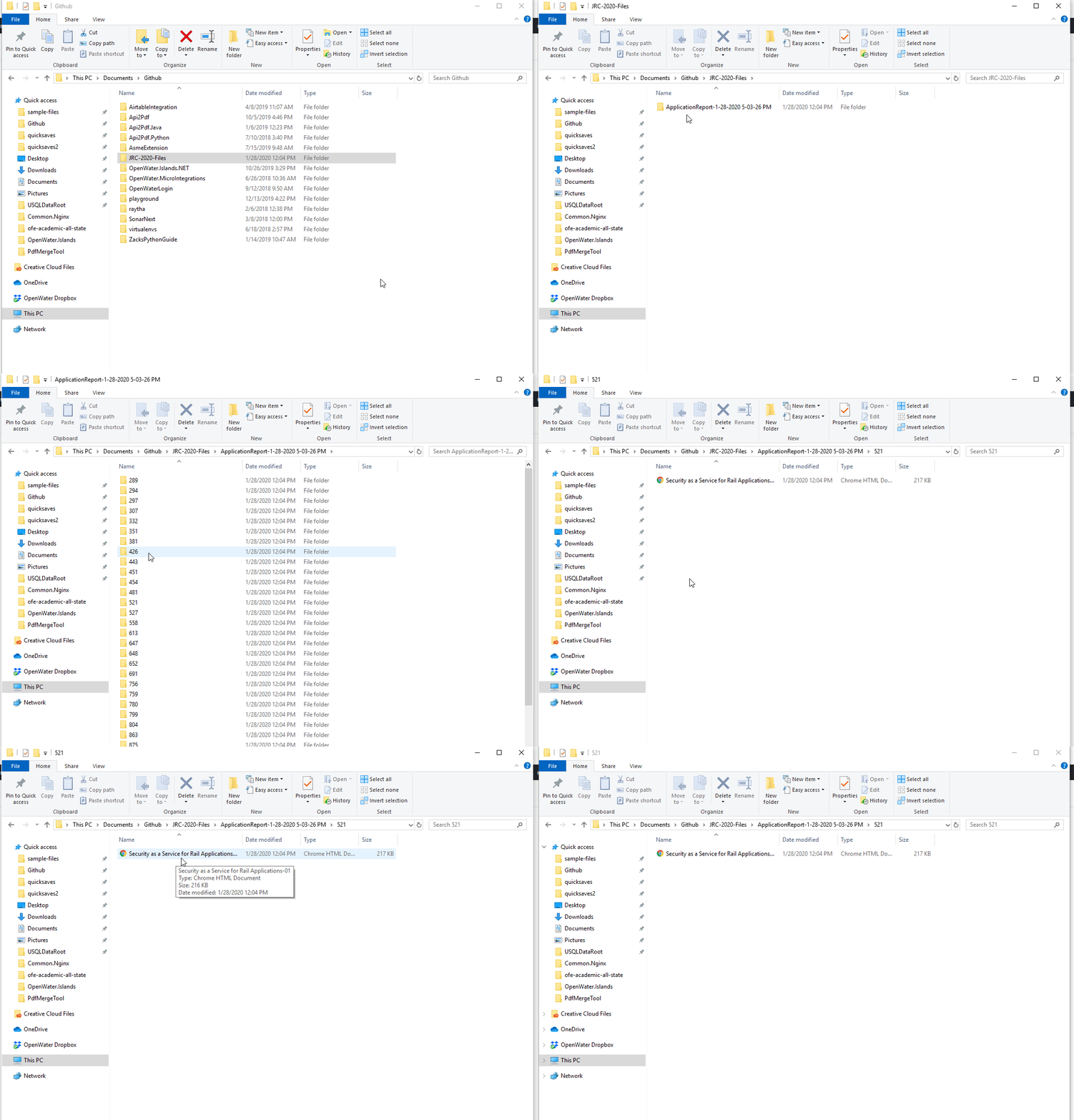
You now have all the PDFs downloaded to your machine where each folder is named with the Application Code in OpenWater. Part II of this process is to rename these files to use the ASME Paper Number with a python script.
PART II – RENAME THE FILES
The files can be renamed using a basic Python script and a JSON file to link the OpenWater Application Code to the ASME Paper Number. First, ensure python is installed and you can run it. https://www.python.org/downloads/
Go back to the report in OpenWater and tab over to General and click Export to JSON

This will download a JSON file. Rename this file to files.json and place it in the same directory as where the submission folders are.

Right-click and ‘save link as’ rename.py to your computer and place this python script into the same folder as files.json. It’s a very basic python script that looks at the OpenWater Application Code / ASME Paper Number mappings in the files.json and then looks at each folder (named by OpenWater application code), pulls out the PDF, renames it to the ASME Paper Number and places it in a final folder called output. The raw script code is here.

Open your command prompt and navigate to the directory where you placed rename.py. Run the script with “python rename.py”


You will see output like so.

If run successfully, you will see a folder called output and the PDF files will be located there, properly named with ASME Paper Number.

Result
